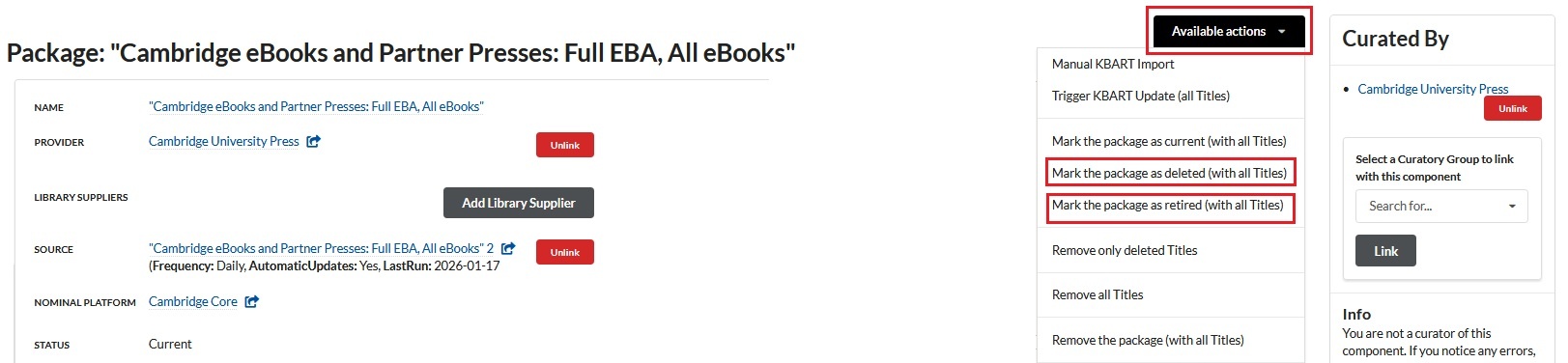
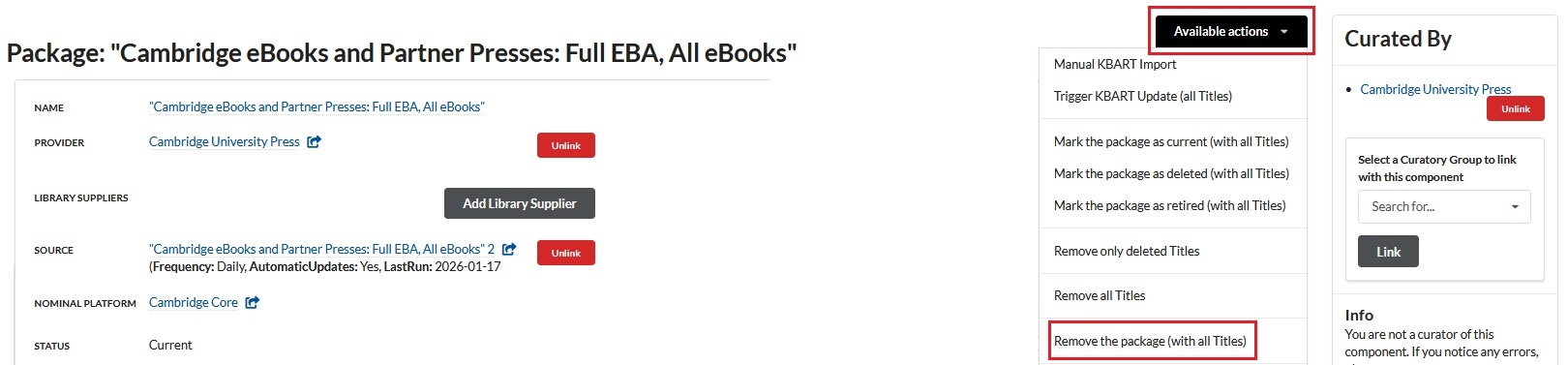
If you are the Curator of a package, you are able to permanently remove any packages under your care in case they are faulty or incorrect. For this, select the package you want to delete and look at the Available Actions box to the right.
Select Remove the package (with all titles) in order to completely remove your package as well as all connected titles from we:kb.
If you want to signal that a certain package of yours is not being sold actively to any new customers but the package's contents can still be accessed to customers with perpetual access, you may choose Mark the package as retired (with all titles).
If a package is no longer being actively sold and its content no longer available at all on your platform, you may choose Mark the package as deleted (with all titles) as the package might still be of use to customers working with this package in LAS:eR.